October 14, 2026
A New Look
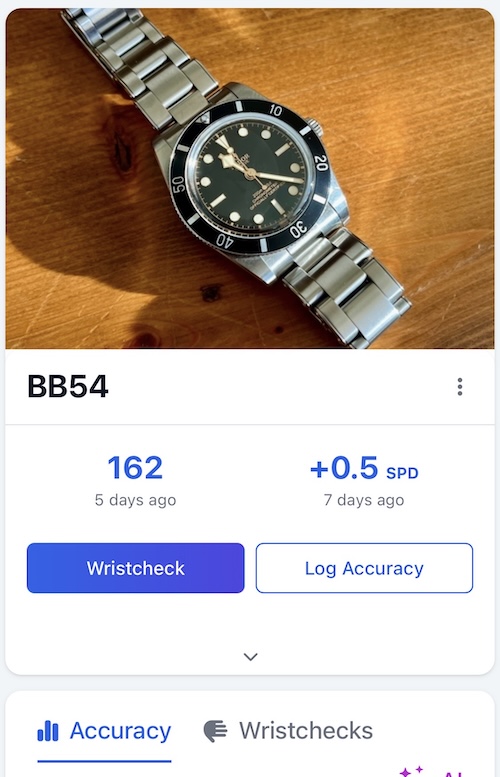
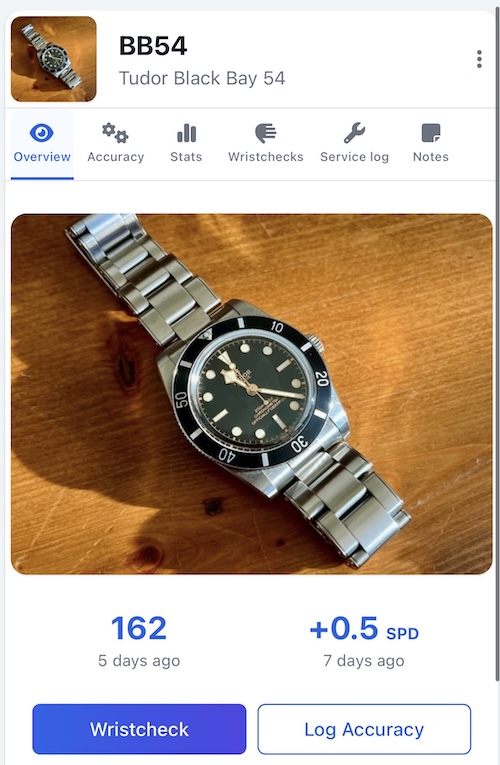
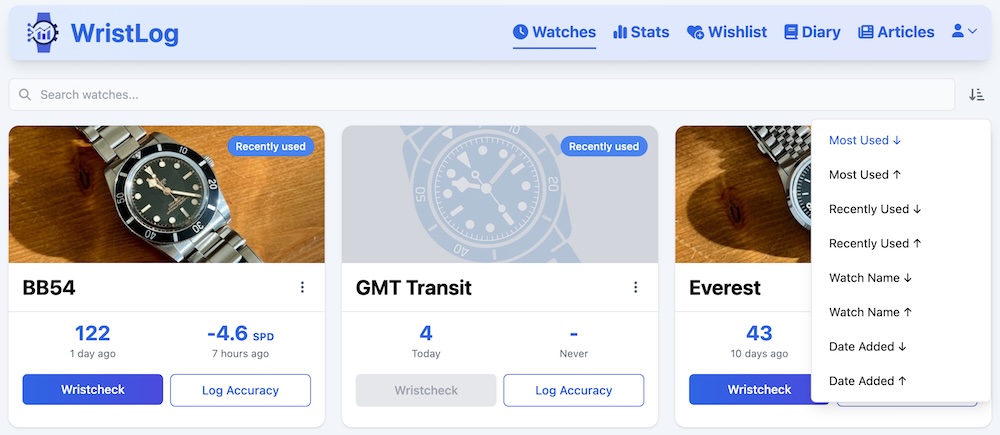
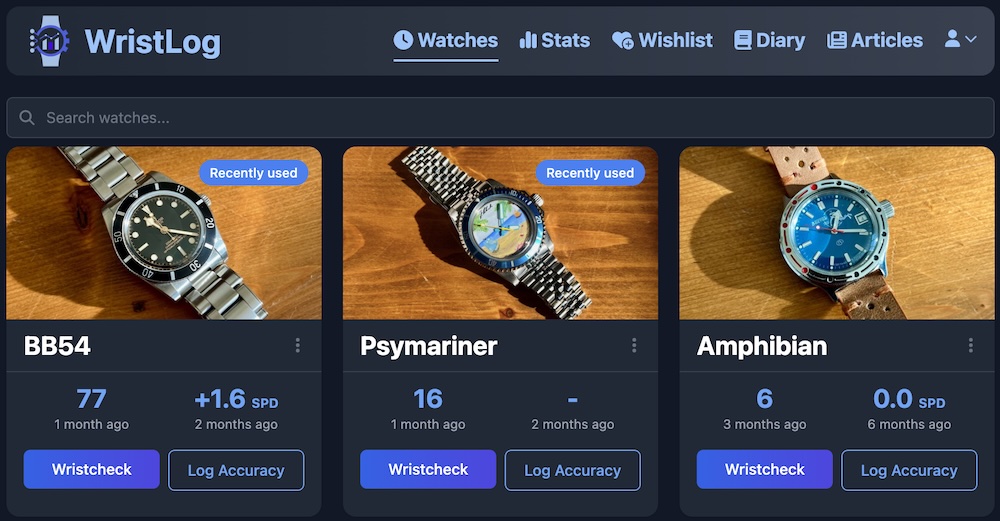
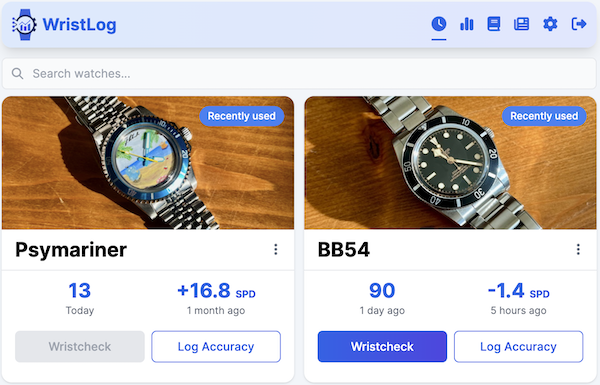
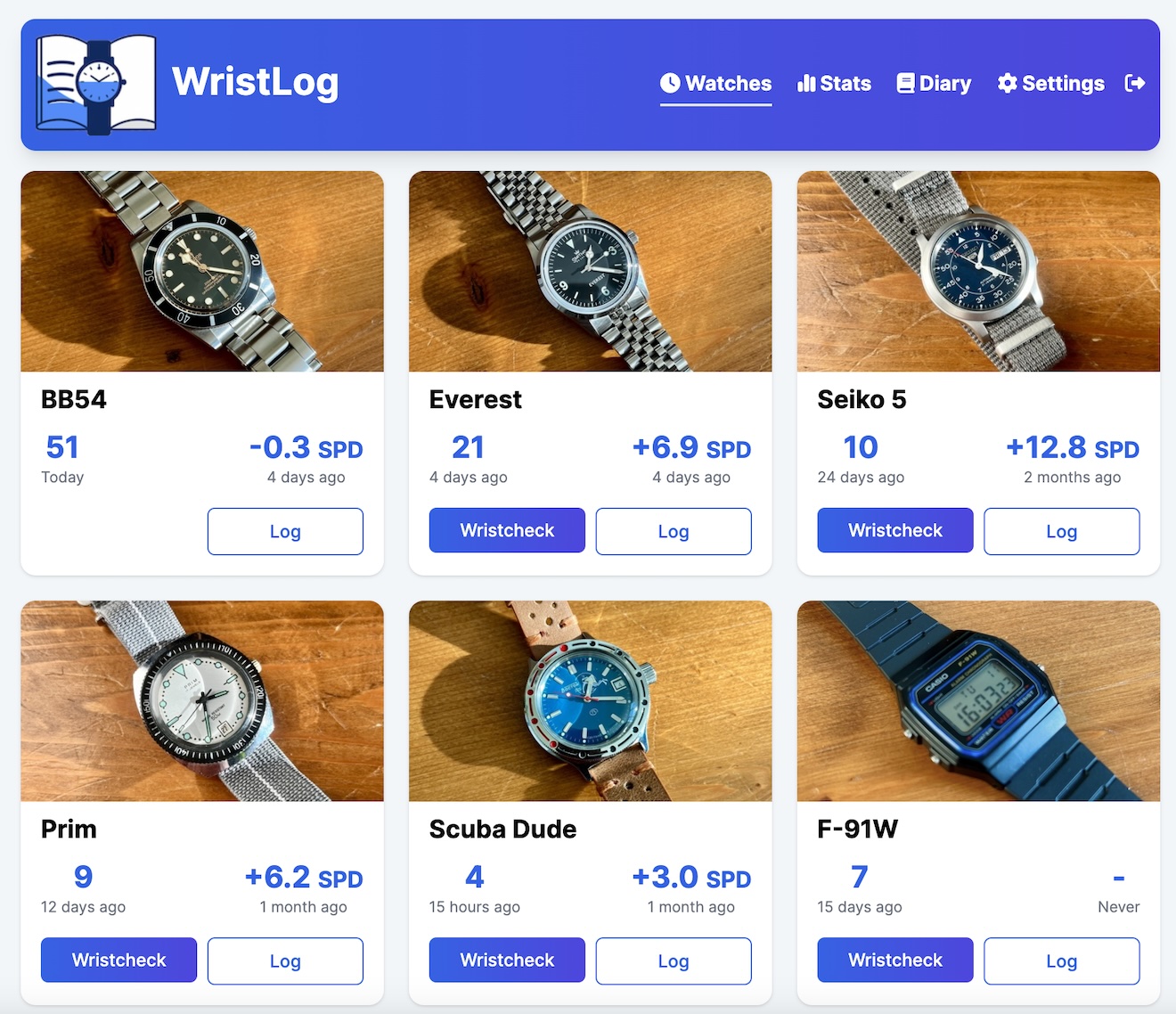
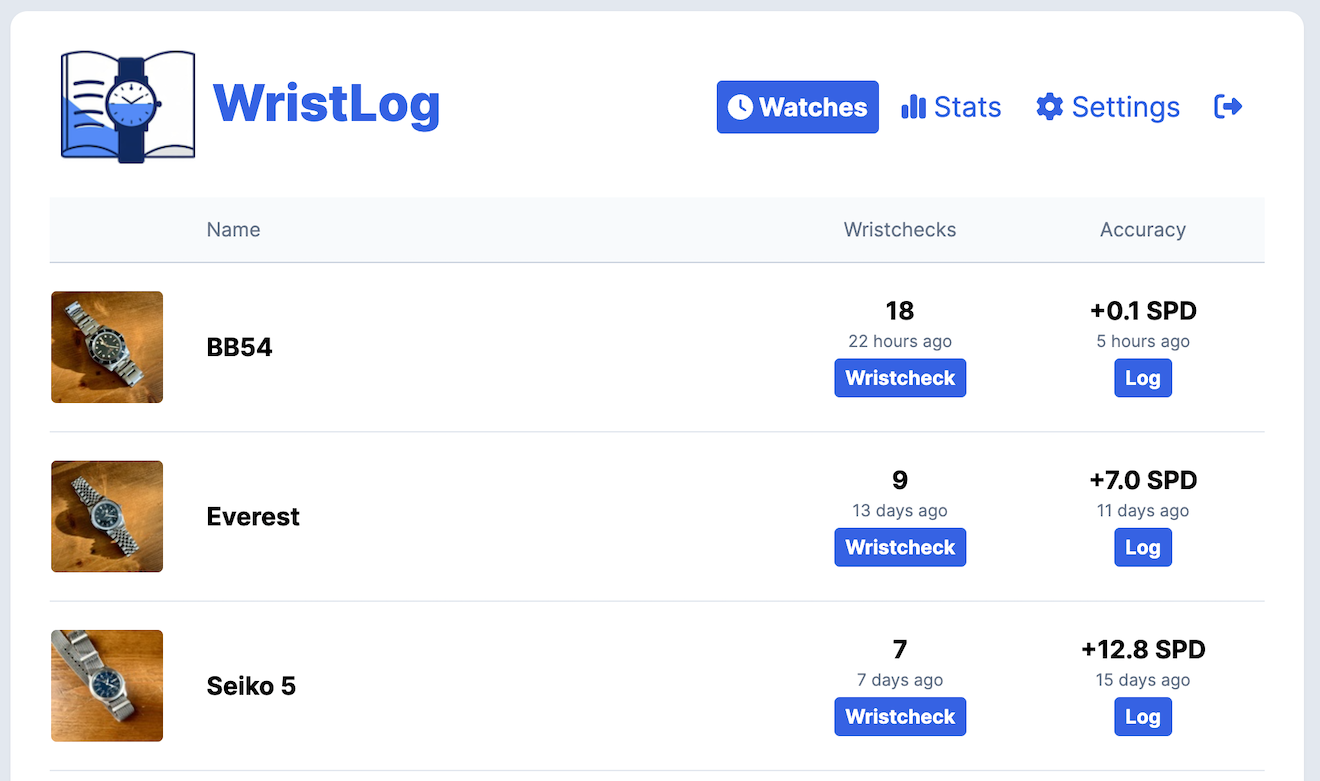
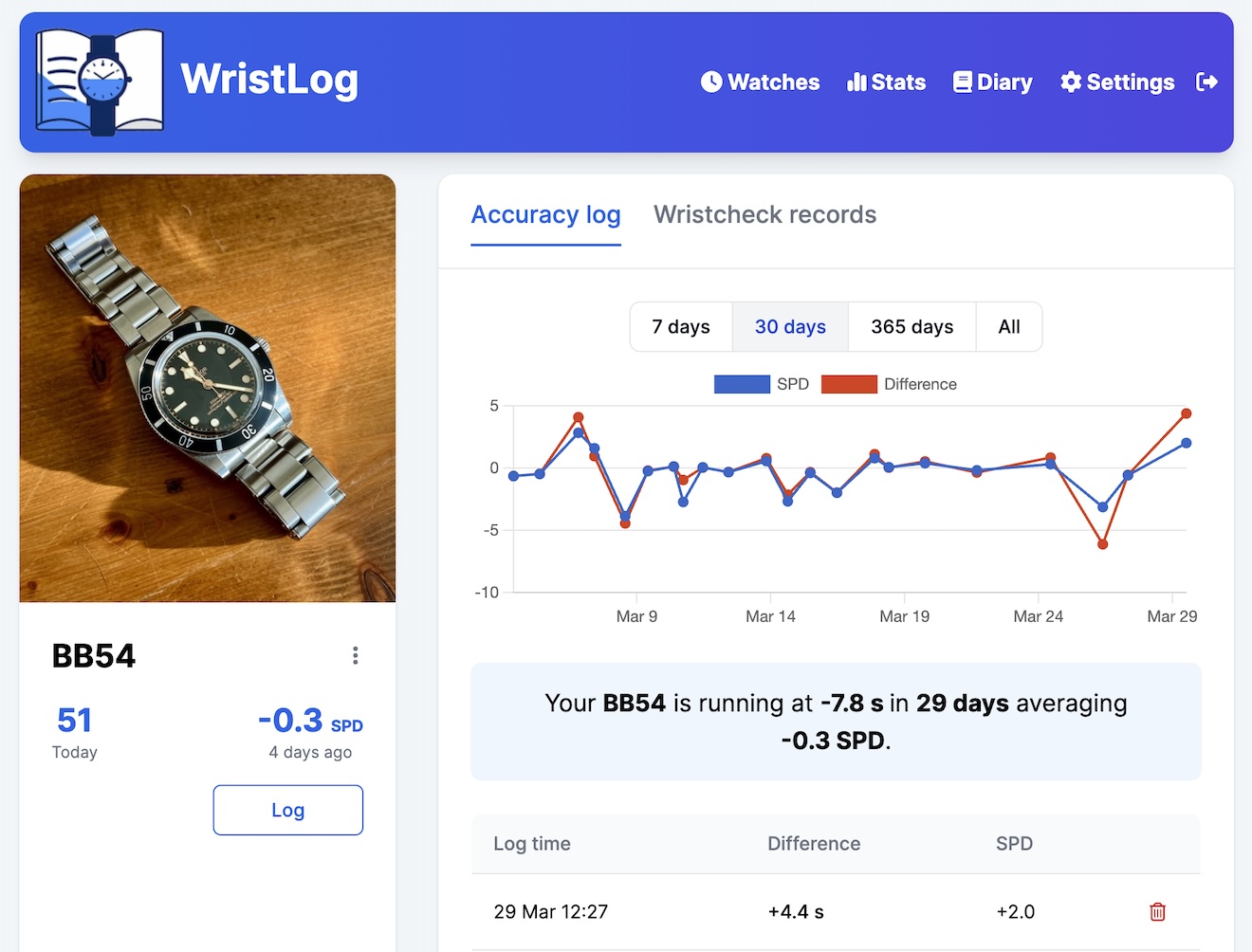
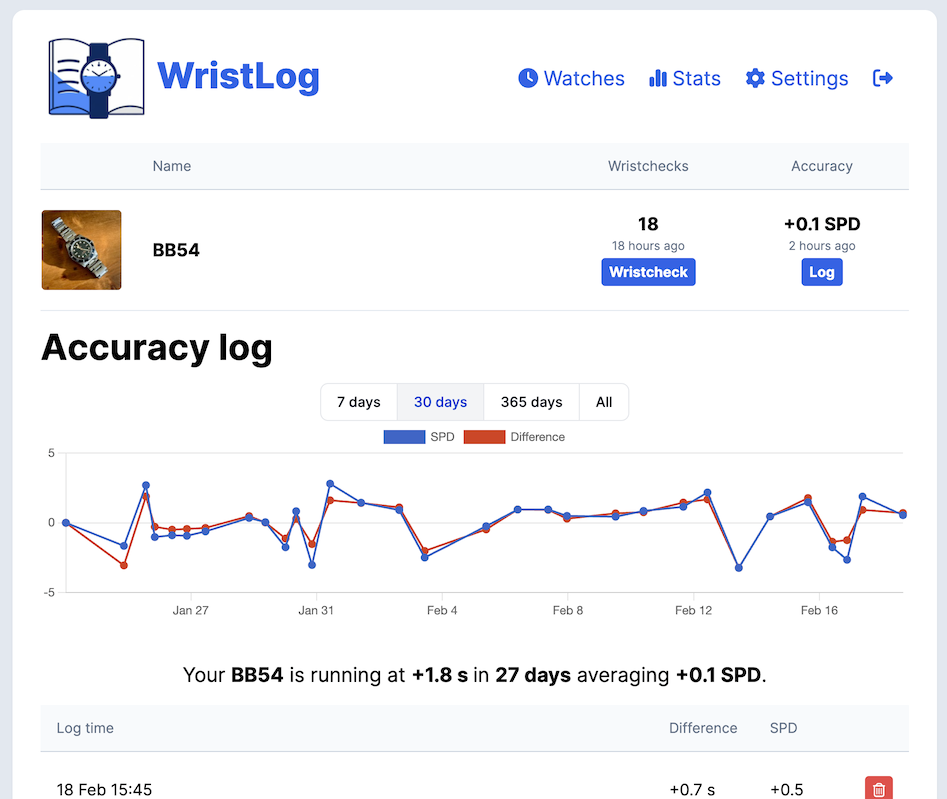
WristLog has been redesigned from top to bottom. Every screen got a new look: your collection, each watch, stats, the logs, forms, settings, even the emails and error pages. On a computer, the app now has its own layout that uses the full width of the screen. Phones and the native apps keep a layout made for them.
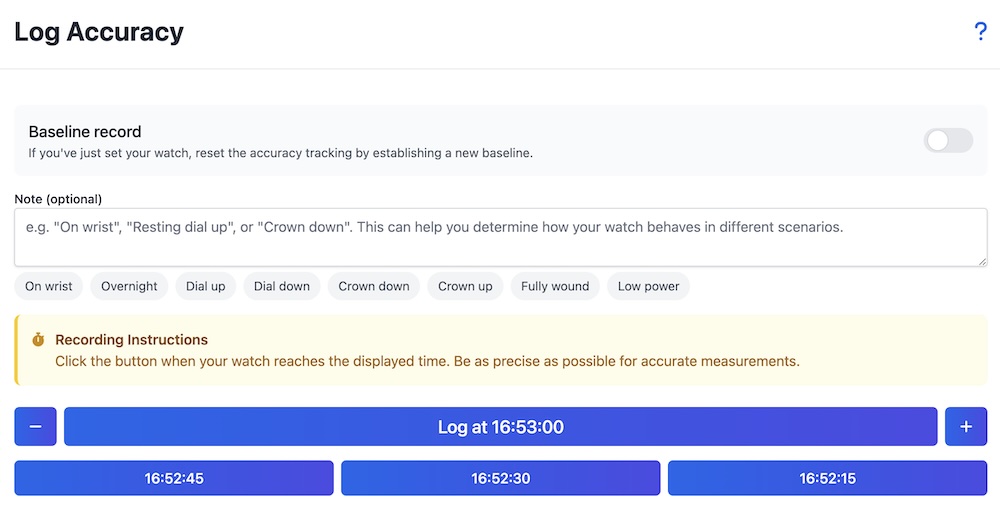
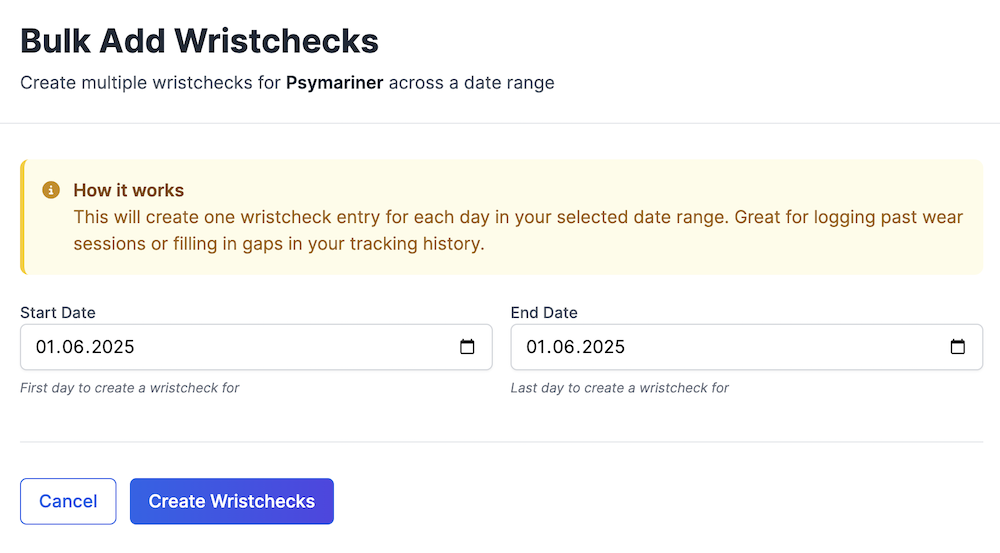
Logging is quicker. In the quick wristcheck panel every tap saves right away, so there is no Save button to forget, and you can switch to another day without closing it. Each watch's wristchecks open as a calendar you can flip by month or year, or see all at once. The accuracy log groups readings by baseline, the timegrapher log groups readings taken together into sessions, and both charts open on a recent range you can widen with one tap.
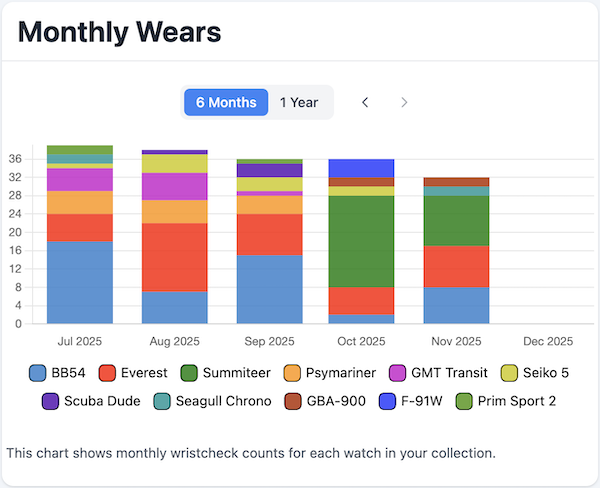
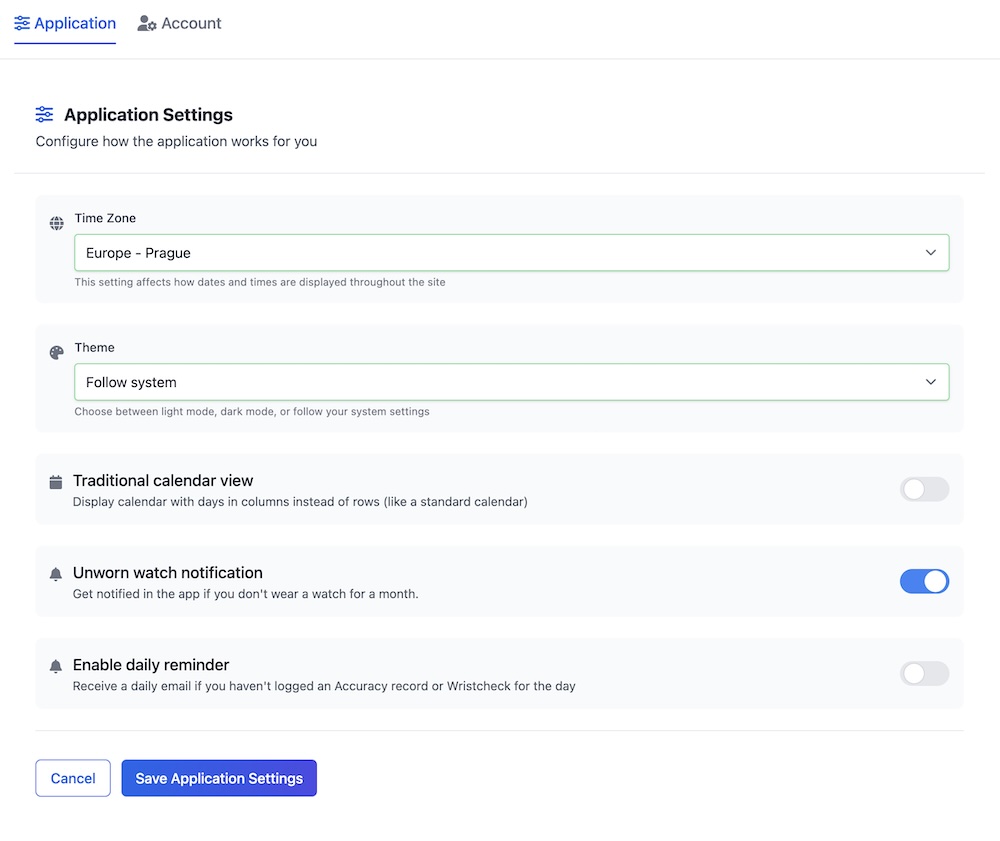
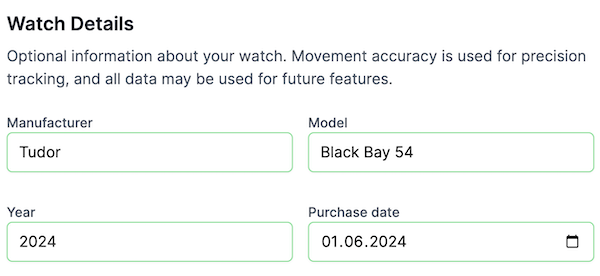
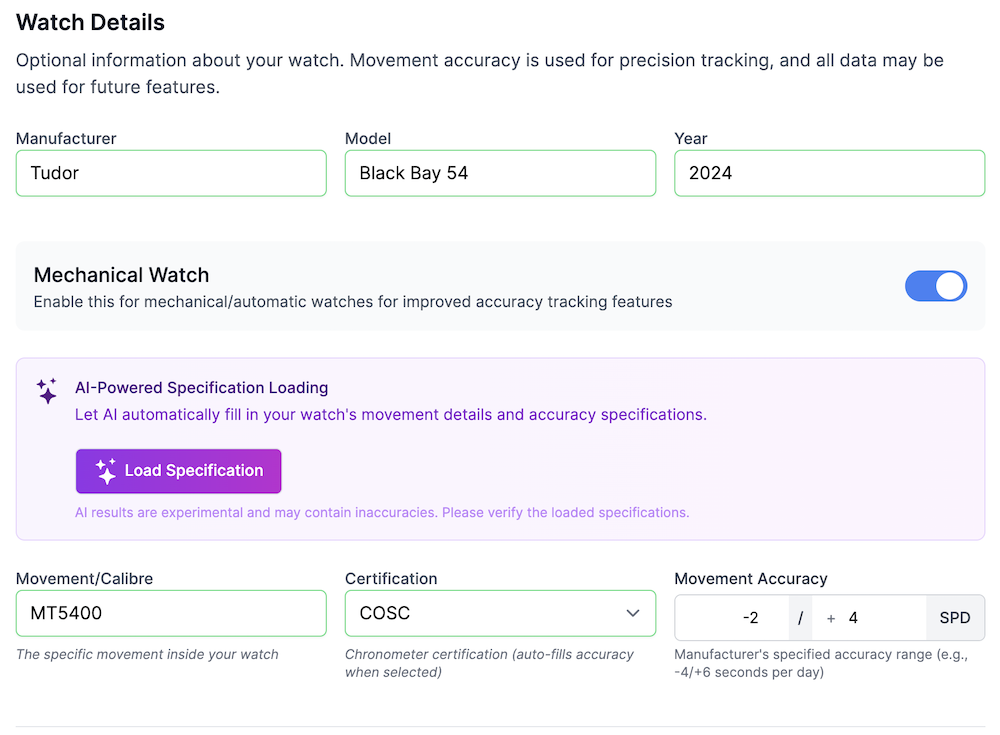
The watch form is split into short steps with a live preview of the watch. Photos crop to a square frame you move and zoom the photo under, and the editor remembers your crop when you open it again. Settings are split into pages, menus open as sheets on phones, and the Wears, Collection and Money sections of the stats page were rebuilt, so each group lists the watches in it.
It is a lot of change at once. If something looks off, or you miss something that used to be there, let me know.
October 14, 2026
Leave a Watch Out of Cost per Wear
A watch you owned for years before you started logging puts its whole price on the few wears logged since, so its cost per wear stops meaning much. You can now leave it out. Turn off "Count in cost per wear" in the watch's Ownership details, or do it from the Money section of the stats page.
Watches bought a year or more before your first logged wear get a Review mark there, with the choice to leave them out or keep counting them. Left out watches are listed below cost per wear, where you can count them again. Their wears and prices still count everywhere else.
October 01, 2026
Papers
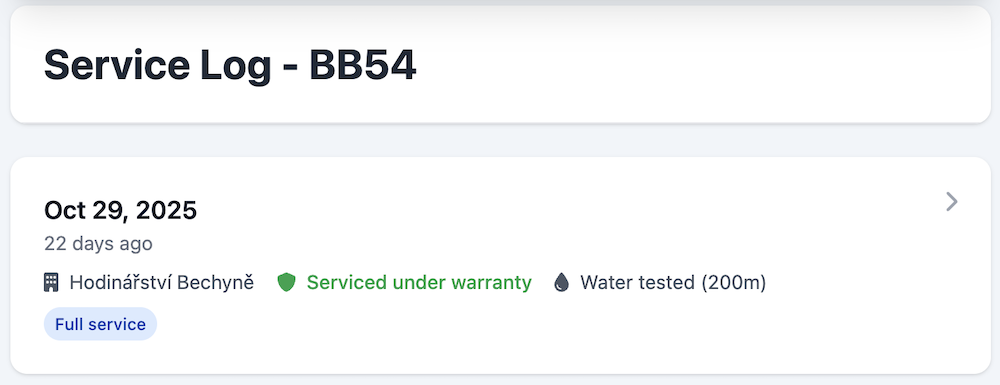
The Service log tab on every watch is now called Papers, and it holds more than services. Add documents like the warranty card, the proof of purchase or a certificate: pick a file, give it a name, and tap it later to open it. Files open only when you are signed in, and never end up in share images or the API.
Service records live in the same tab, next to a new kind of entry: costs. A cost is anything that isn't a service, like a new strap, a battery change or insurance, with a description, an amount and a date. With money features on, service records and costs add up to the watch's upkeep and count toward cost per wear. Read more about Papers.
September 30, 2026
Import Your Own Spreadsheet
Kept your collection in Excel, Numbers or Google Sheets before WristLog? You can now import watches and wristchecks from any .csv or .xlsx file. Upload it, tell WristLog which column holds the watch name, the brand, the wear date and so on, check the preview, and import.
Find it in Settings under App Integrations, next to the importers for other watch apps.
September 29, 2026
Fit the Chart to Your Readings
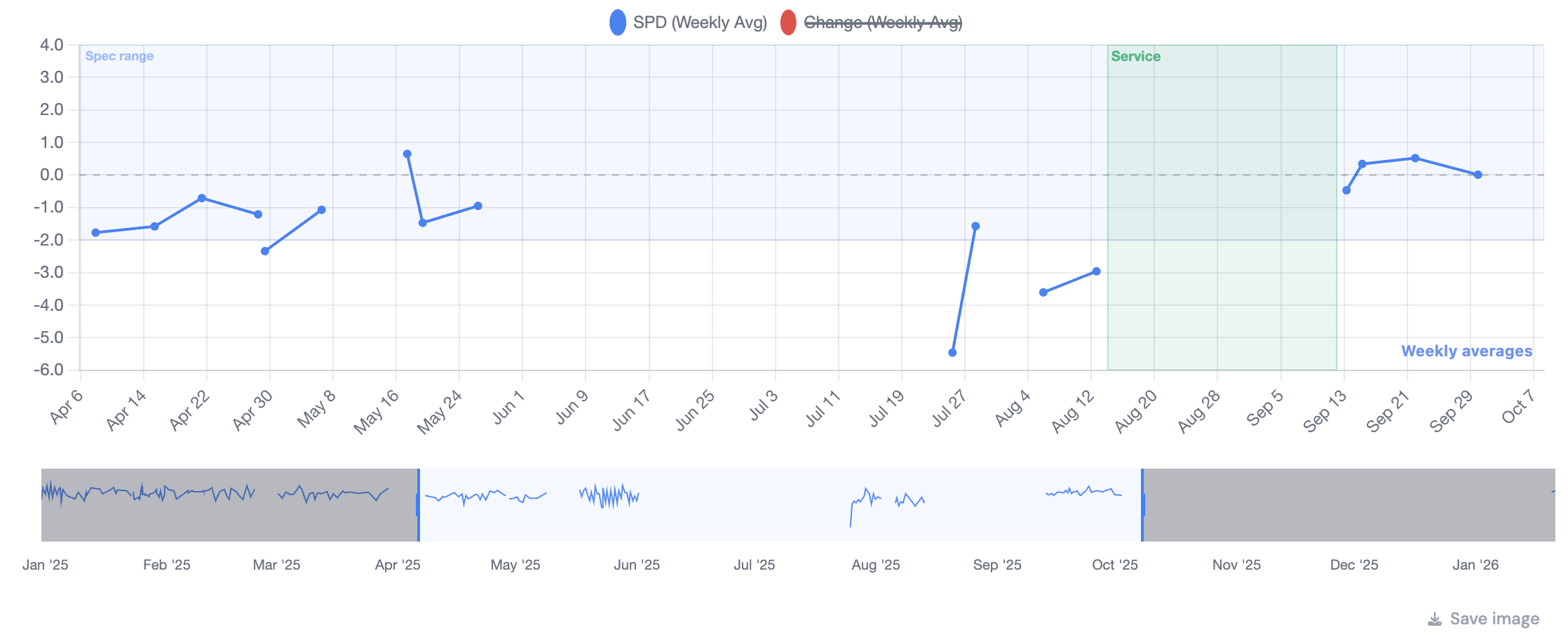
Accuracy and timegrapher charts used to always span the watch's spec, which squashes a watch running within a second or two into a flat line. A new switch above the chart lets you pick "Fit spec" or "Fit readings". The second one zooms the chart to your actual data, so small changes are easy to see.
The choice is saved for each watch. The switch shows up once the watch has an accuracy spec set.
September 11, 2026
Money
Every watch now takes a purchase price, a sale price and a sale date, with a Sold switch that takes a watch out of your collection without deleting a thing. Wear history, accuracy records and photos all stay exactly where they are, and the watch keeps its place in the list with a Sold mark on it.
Turn on money features in Settings and the stats page gets a Money section: collection value year by year, spend by year, spend by brand, and cost per wear for each watch, with service costs folded in. The overview at the top adds up what the collection is worth, what you have spent in total, what your services have cost, and what your sales have returned.
There is also a currency setting, used for every amount in the app including service records. Money features are off by default, and the prices you enter stay saved whether they are on or off. I think collecting watches should be more about the fun than the money, so nothing here shows up unless you ask for it.
September 07, 2026
Date Ranges That Remember
Every chart and table with a date range picker now opens on the range you last chose for it. Set "Most Worn Watches" to All Time and the wear calendar to a year, and that is how they come back on your next visit. Each card remembers its own range, so one choice never drags the rest of the page with it.
Only the buttons on the toggle bar are remembered. A hand-picked custom range, or a quick pick like "Last Month", applies until you leave the page, because a range you chose a week ago is rarely the one you want today.
September 07, 2026
Occasions, Reworked
Occasions are now proper records of their own. Renaming one in Settings renames it on every wear it is tagged on, instead of leaving old wears behind under the old name. An occasion that is already in use shows how many wears carry it, and can no longer be removed by accident.
Each occasion also gets its own colour. Pick one from the swatches or set an exact shade, and the occasion charts on the stats page use it, so the same occasion looks the same everywhere.
September 07, 2026
Getting Started
New to WristLog, or never got round to trying half of it? There is now a Getting Started page that lays out what the app can do, in the order it makes sense to do it: add a watch, log a wear, set an accuracy baseline, take a timegrapher reading, build a streak.
Your watches list shows the next step or two below the day stripe, and steps tick themselves off as you actually do them. Nothing blocks the screen and nothing nags: if you would rather just use the app, ignore it and it stays out of the way.
September 07, 2026
Timegrapher Touch-Ups
The position of a saved timegrapher reading can now be changed straight from the log table. Pick it from the cell and it saves itself, so a reading taken dial up and filed without a position is a two second fix rather than a re-measure.
Readings started from the Timegrapher page can also be saved to any watch: choose which one in the save form when you are done measuring.
August 25, 2026
Edit and Delete Accuracy Records
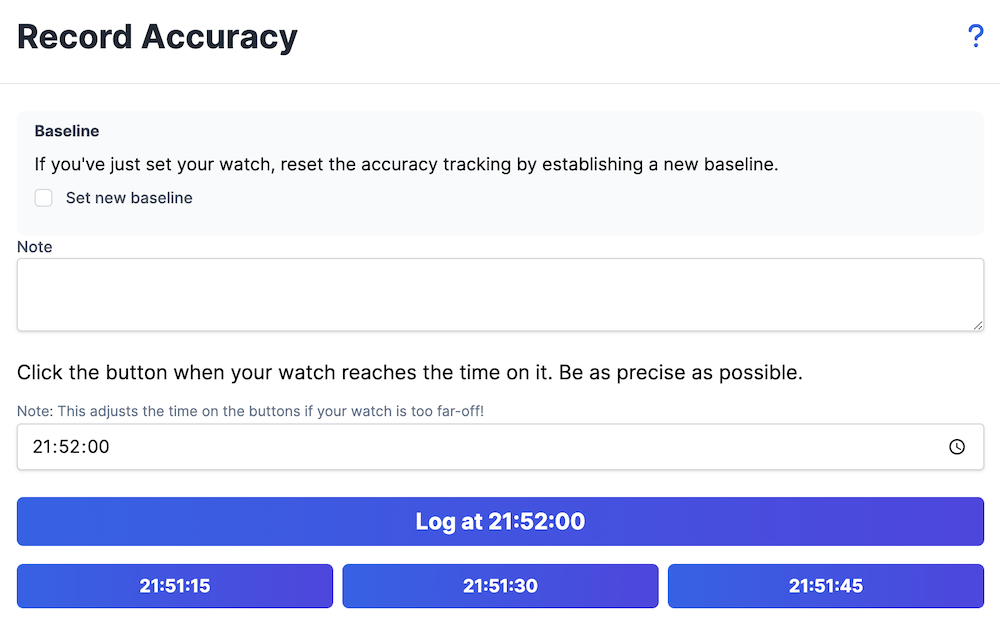
Logged a reading against the wrong minute, or mistyped the watch time? Every row in the accuracy log now has a menu with Edit record, Make baseline and Delete record. Editing lets you correct the real time, the watch time, and whether the record is a baseline.
Because every reading is measured against the ones before it, saving an edit or deleting a record works out the numbers for the rest of that baseline period again. Deleting a baseline folds the readings that followed it back into the previous one. Read more about the accuracy log.
August 10, 2026
Day Stripe on Your Watches List
Your watches list now opens with a stripe of recent days above the collection. Today sits on the right, and each day carries a small colour rule showing which watches you wore, so a glance tells you what the last few weeks looked like. Tap any day to open the quick wristcheck panel and log or change a wear right there, without leaving the list. The stripe shows more days the wider your screen is, up to 24.
There's also a new "Week starts on" setting in Settings. Pick Monday, Sunday, or Saturday, and the wear calendar on the stats and watch pages lays out its weeks the way you expect.
August 07, 2026
Accuracy Tables Load in Sync
The tables under the Accuracy Log and Timegrapher charts now arrive already matching the chart above them. Previously they were rendered for a default period and then had to catch up once the chart settled, which meant a flash of the wrong rows on every visit. They now open on the last 30 days of your actual readings, the same window the chart starts on.
August 07, 2026
Redesigned Wear Calendar
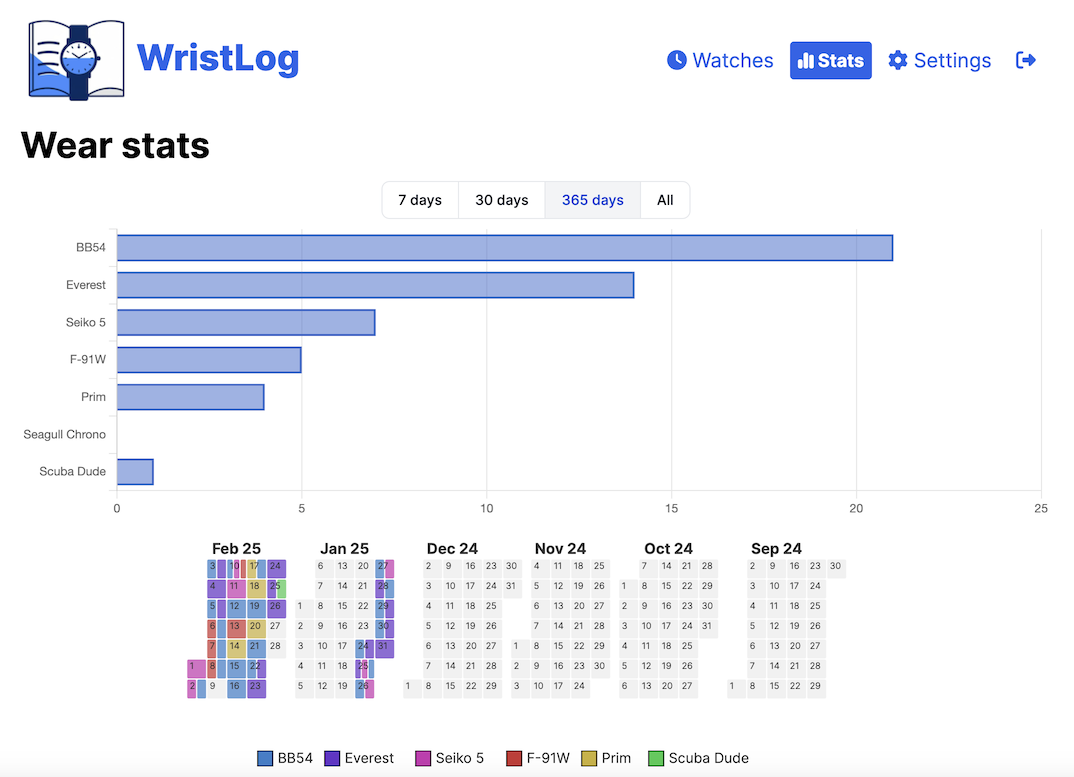
The "Wear Habits" calendar on the stats page has been rebuilt around a single month. Arrows on either side of the month name step back and forth through your history, and the day cells are big enough to actually use: tap an empty day to open the quick wristcheck panel, or tap a logged day once to see which watch you wore and twice (or long press) to edit it.
Below the calendar there's now a legend of the watches worn in that period. Tap a watch to hide it and the calendar redraws without it, which makes it easy to follow one watch at a time. You can still switch to a 6 month or 1 year view, pick a custom range, and export the whole thing as an image.
August 04, 2026
Multiple Occasions per Wear
Every wristcheck can now carry several occasions at once, so a watch worn to the office and then to dinner gets tagged as both. The picker opens as a bottom sheet of occasion chips: tap as many as fit, tap again to remove, and close it when you're done. Bulk logging supports multiple occasions too.
The occasion charts in Stats count every tag on a wear, and your existing tags carried over untouched. Backups, the Chrono24 import, and the API all speak the new format.
July 16, 2026
Wristcheck Occasions
Wears now tell you not just when, but what for. Every wristcheck can be tagged with an occasion. After logging a wear, a small tag button appears next to the "Worn Today" status, opening a quick picker of occasion chips. The list of occasions is fully yours: rename, remove, or add your own in Settings.
Tagged wears feed two new charts on the stats page. "Wears by Occasion" breaks down what you wear your watches for overall, and "Which Watch for What" splits each watch's wears by occasion, so you can see which watch you actually reach for on which kind of day.
July 16, 2026
Chrono24 Import
Your data, your choice, one more time. WristLog can now import your wear history from a Chrono24 watch collection. Export your collection's wear history as an Excel file from Chrono24 on the web, upload it in Settings, and WristLog will match the watches to your collection by name and import the wristchecks, with the same preview and conflict checking you know from the other imports.
July 06, 2026
Watch Detail Overhaul
The watch detail page got a long-needed overhaul. The Overview tab now leads with a row of at-a-glance insight tiles and a cleaner, grouped spec sheet, so the numbers that matter are easier to find. Sharing got some love too, with refinements to the shareable watch image so your cards look their best.
July 05, 2026
Choose Your Accuracy Source
The accuracy figure shown for each watch can now come from either your Accuracy Log or your Timegrapher readings. Pick which one you prefer in Settings, and if a watch has no data from your chosen source, WristLog automatically falls back to the other so you always see a number.
July 05, 2026
Wears per Month
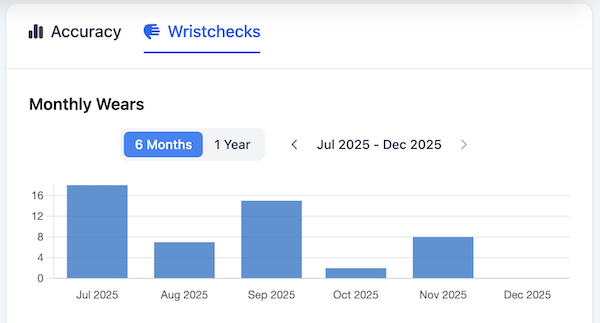
A new chart on the stats page shows how often each watch gets worn on average, from the day you got it until today. It's a quick way to see which watches are earning their spot in the box and which ones are gathering dust.
June 10, 2026
Collection Stats
The stats page now has two sides. Switch between "Wears" (your existing wear-tracking charts) and the new "Collection" view, which breaks down what you actually own. See your collection by watch type, by movement type, and by brand, plus an acquisitions timeline showing how many watches you added each year. Every chart can be reordered to taste and shared as an image.
June 06, 2026
Shareable Cards
Show off your watches outside the app. Three new share-as-image cards turn your data into clean, Instagram-ready graphics. On any watch's detail page, the actions menu has a new "Share" option that creates a portrait card of that watch. The monthly recap sums up your month at a glance. And from your watches list, "State of the Collection" lays out your entire collection in a single lineup.
June 03, 2026
Photo Editor
Get the framing right before you save. When adding or changing a watch photo, the new "Adjust" button opens an editor where you can crop, zoom, and rotate the image.
May 29, 2026
Timegrapher Log
Timegrapher readings are no longer one-off measurements. You can now save each reading to a per-watch log to track its mechanical health over time. Record the rate, amplitude, and beat error in any position (dial up, crown down, and so on), add a note, and watch the history build into a chart so you can spot when a watch starts drifting or needs a service. Readings are included in your backups, too.
May 27, 2026
Movement Types
Classify your watches by movement type. Mechanical, Quartz, Solar, Spring Drive, Meca-Quartz, Kinetic, High Accuracy Quartz, and more. The watch form dynamically adapts to show only the fields relevant to each movement type (e.g. power reserve and BPH for mechanicals, but not for quartz). Accuracy tracking also adapts: mechanical watches log in seconds per day, HAQ in seconds per year, and other types in seconds per month — so the numbers always match how that movement is typically measured. Movement type also appears on wishlists and carries over when converting a wishlist entry into a watch.
May 16, 2026
Random Watch Spinner
Can't decide what to wear? Let chance pick for you. The new watch spinner spins a dial of your collection and lands on a random pick. Adapts to collections of any size — photos for smaller collections, dots for larger ones.
May 10, 2026
Atomic Time Reference
When recording accuracy, you can now compare your watch against an "atomic time" synced from the WristLog server instead of your device's clock. Your accuracy numbers stay consistent across devices and aren't affected by a drifting local clock. Toggle it on in Settings, and read the help article first to decide whether you actually need it.
May 04, 2026
Watch Types
Categorize each watch by type — Diver, Dress, Field, Pilot, Chronograph, GMT, and more. Type is shown on the watch detail page and feeds into stats so you can see the makeup of your collection at a glance.
April 26, 2026
Customizable Watch Colors
Don't like the colors assigned to your watches? Colors used across charts and calendars are now fully configurable. Pick from the curated palette or set a fully custom color. Manage all your watch colors in Settings.
April 24, 2026
Updated Accuracy charts
Accuracy chart now has small sub-chart under it to select a date range. No more date picker, just overall view and an easy way to pick what you want to see in detail.
April 09, 2026
Timegrapher
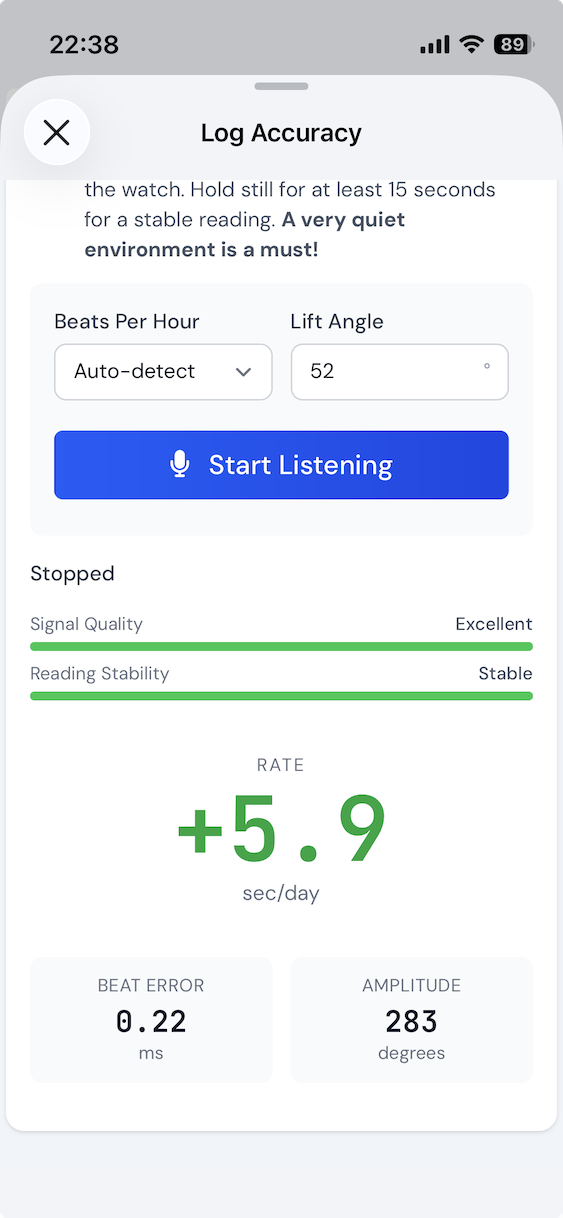
WristLog now has a built-in timegrapher. Use your device's microphone to measure your watch's beat rate, amplitude, and beat error — right from the app. No external equipment needed. Simply place your watch near the microphone and let WristLog listen to the ticking. Available only in iOS or Android app!
March 31, 2026
Simplified Watches View
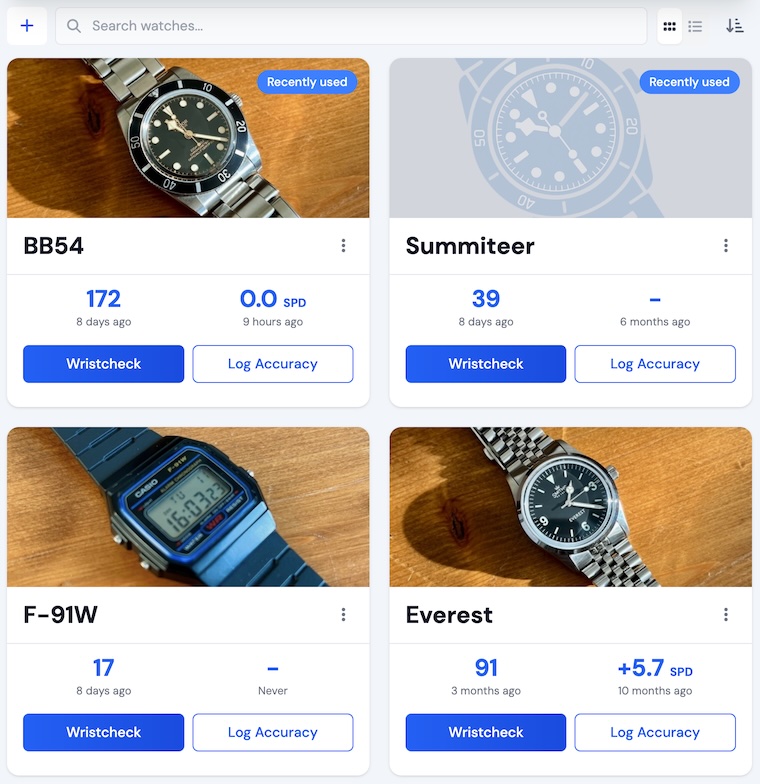
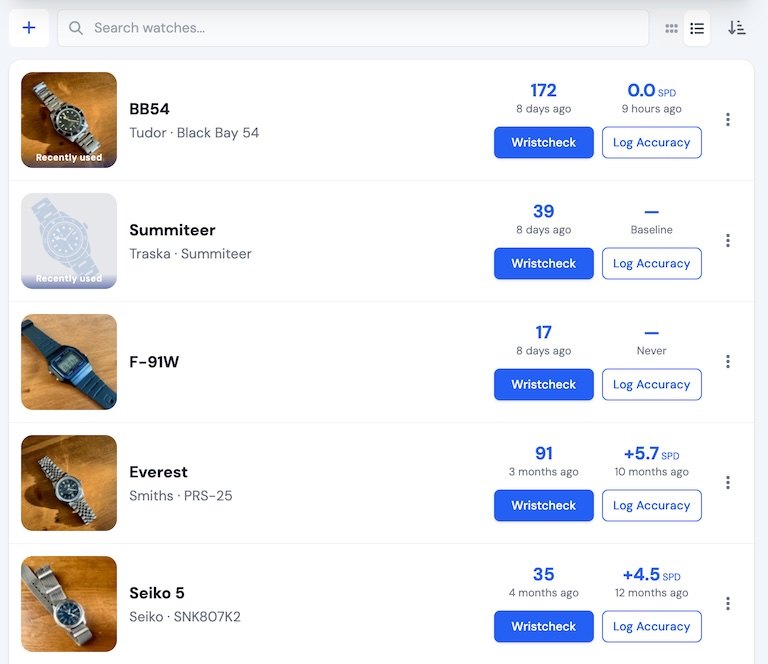
A new compact view option for your watches list. Toggle between the original card view and a simplified view that shows more watches at a glance. Perfect for larger collections where you want a quick overview without scrolling through full-sized cards.
March 15, 2026
Chart Export
You can now export any chart as an image directly from WristLog. Use the new export button on your accuracy and wear habit charts to save a PNG to your device — great for sharing your stats or keeping a record of your progress.
March 01, 2026
Push Notifications
The iOS and Android apps now support push notifications. Daily wristcheck reminders will arrive as native push notifications instead of email.
January 10, 2026
Interactive Wear Habits Calendar
You can now edit wristchecks directly from the interactive calendar! Long press (or click and hold) on any day in the calendar to open a quick panel where you can add, edit, or remove wristchecks for that specific date. This makes it much easier to manage your wristcheck history without navigating to separate pages.